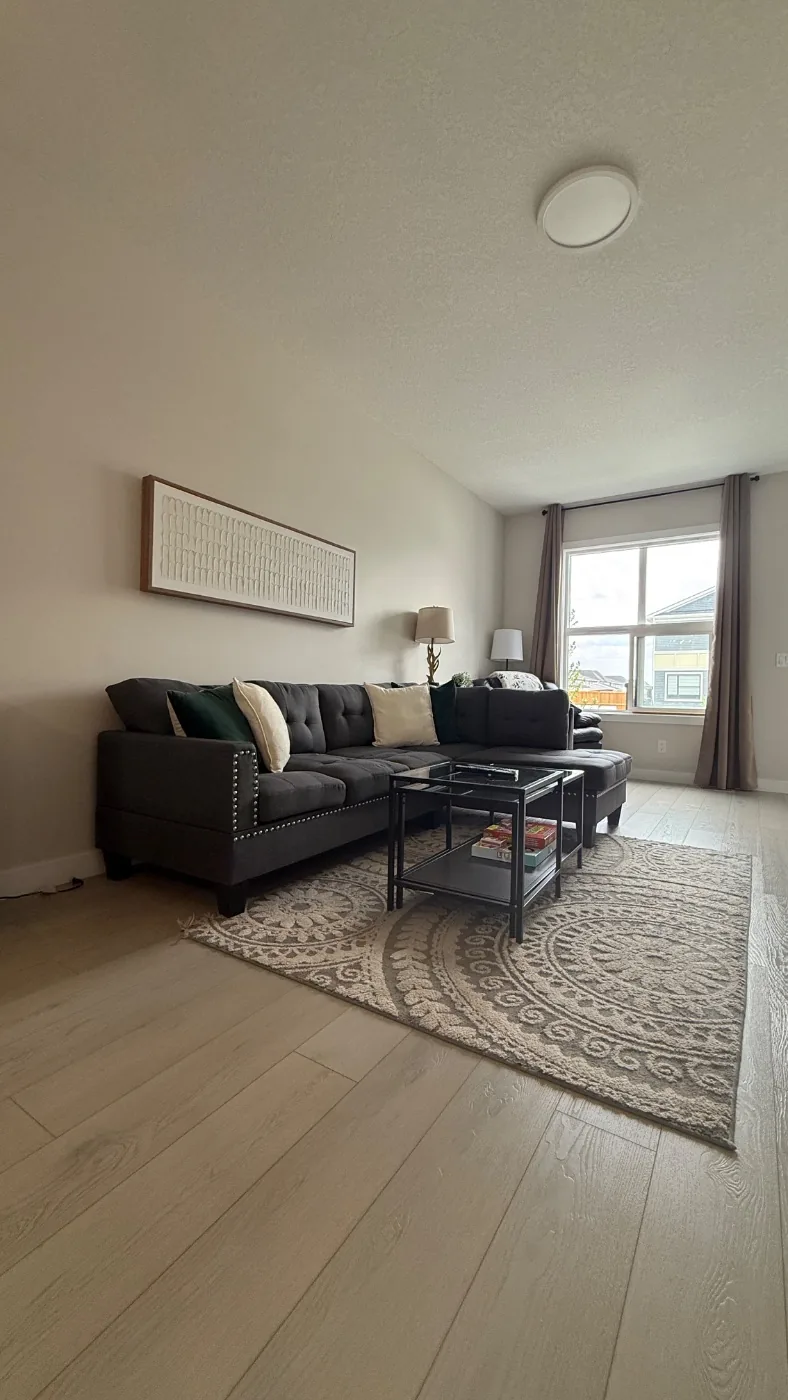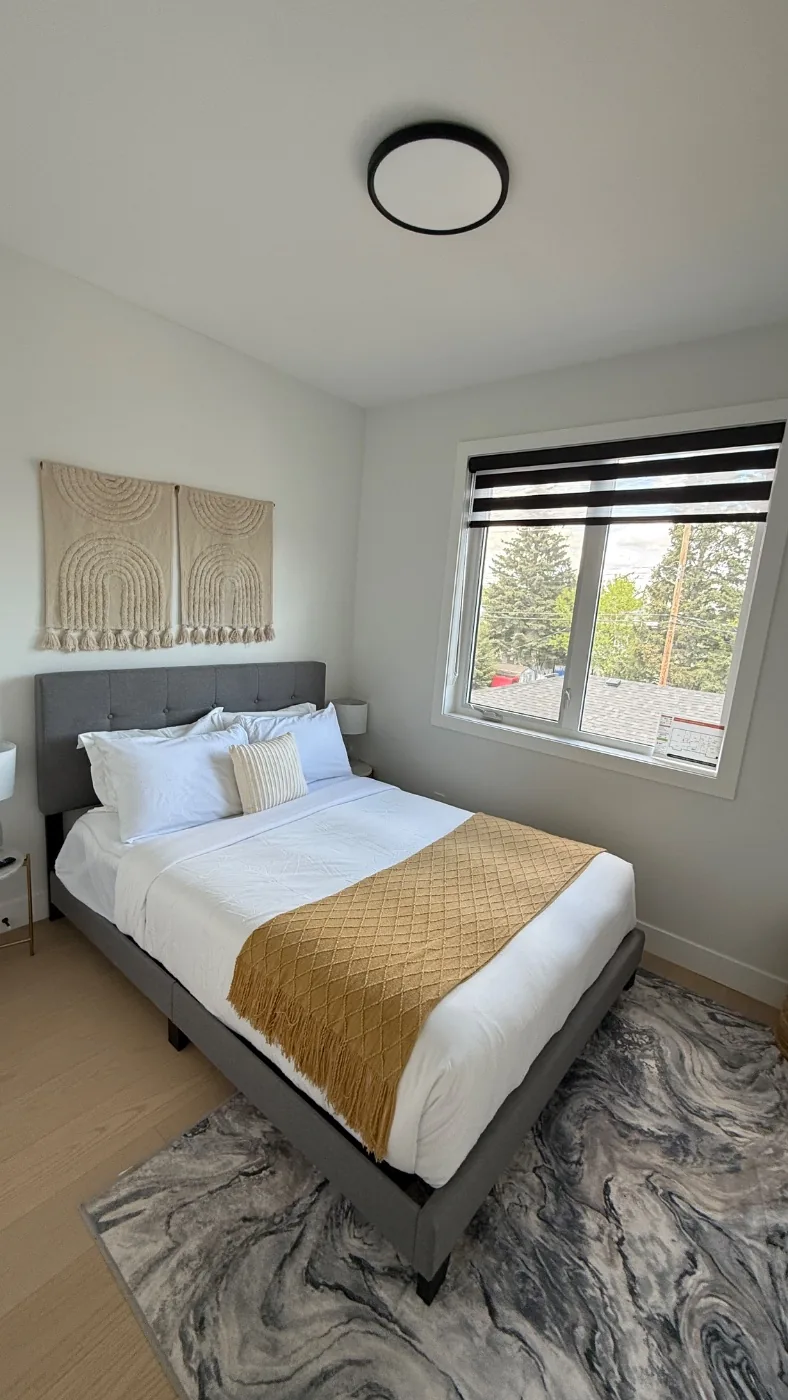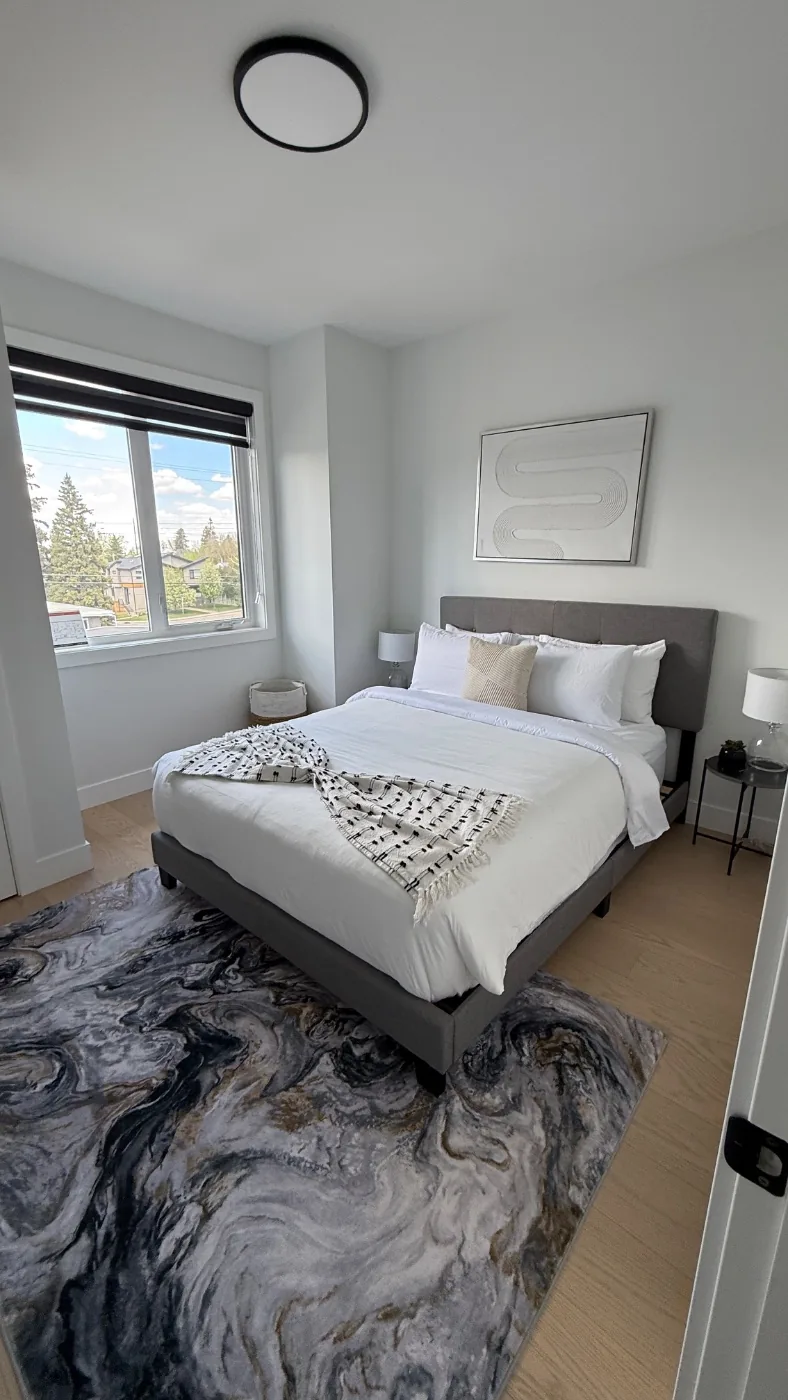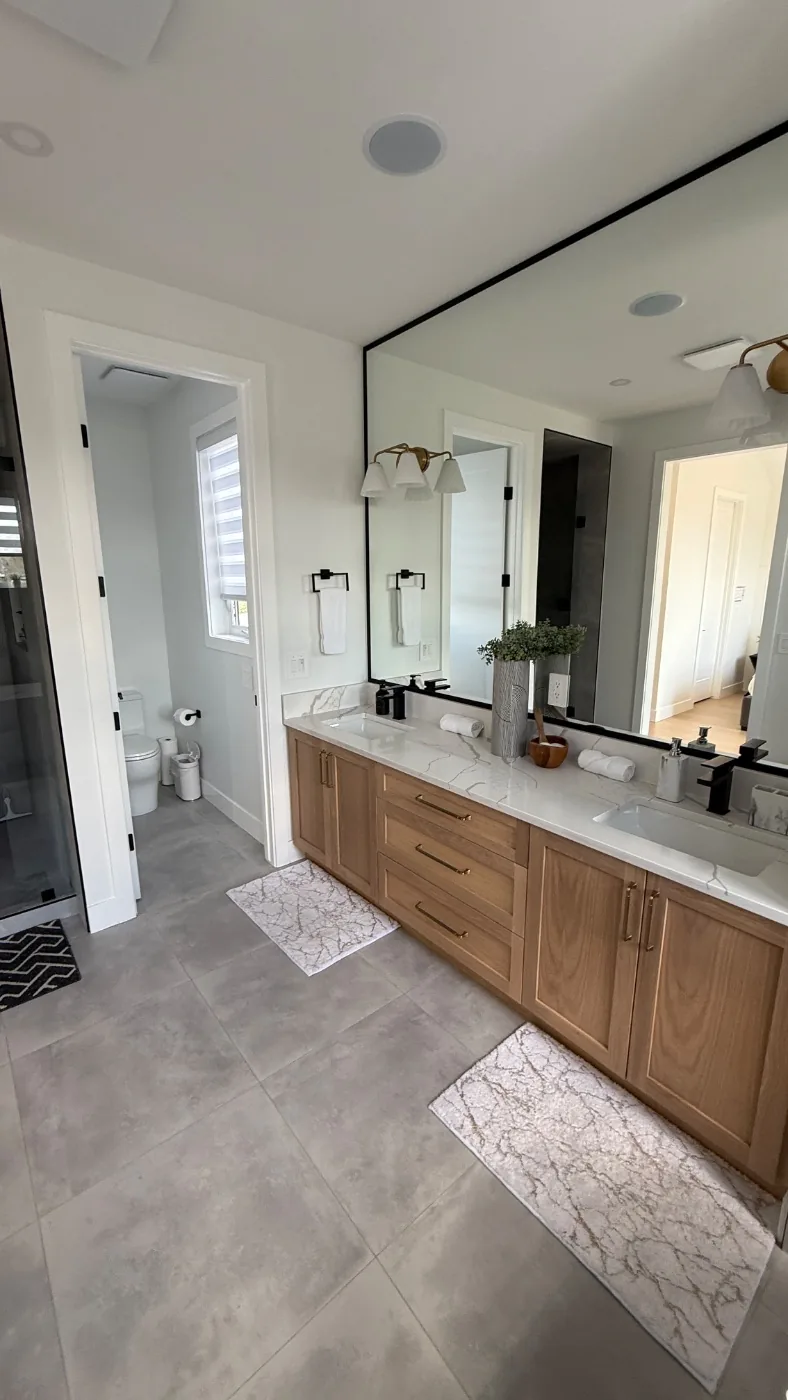
An Airbnb cleaning photo report is a time stamped set of photos of every room, plus an issue log, filed before the next guest arrives. In Calgary, property managers use it to prove unit condition, support damage conversations and show owners what was done. Check Airbnb's current rules for what documentation it asks for in a claim.
A cleaning crew says the unit was spotless. A guest says it was not. An owner asks what happened to the bathroom mirror. Without evidence, all three conversations turn into opinions. An Airbnb cleaning photo report turns them into facts. This guide covers what to include, how it helps with damage disputes and how Calgary managers use it for owner reporting.
What Goes Into a Good Airbnb Cleaning Photo Report?
A good Airbnb cleaning photo report covers every room, carries time stamps, includes an issue log and reaches you before the next guest arrives. Ask your cleaner to include:
- Wide photos of every room, including bedrooms, living areas, kitchen, bathrooms and entry.
- Close photos of high-risk areas, such as beds, bathroom fixtures, appliances and floors.
- Photos of restock levels, such as toilet paper, soap, coffee and towels.
- Any damage, stain, missing item or maintenance problem, photographed on the spot.
- A date and time on every photo, with the unit address in the file name or report.
The report should follow a fixed order, using the same checklist as the clean, so any manager can scan it quickly. Agree the delivery method too: a shared link or folder per unit works better than photos scattered across text threads. If you manage several units, ask for the same layout every time, so you can spot a missing room in seconds. A short written summary at the top, stating that the clean is complete and listing any flags, saves your coordinators from opening every image when nothing is wrong.
Why Time Stamps and Room Coverage Matter
Time stamps and full room coverage matter because they show when the unit was last confirmed in good condition. A photo with no time or unit reference proves little. A complete set filed before check-in shows the state of every room between two guests, which narrows any later disagreement to one stay. Partial reports, such as a photo of only the kitchen, leave gaps that guests or owners will point to. File photos by unit and date so you can retrieve them months later. Our Airbnb turnover checklist shows which rooms and details to cover.
Using the Issue Log to Flag Damage and Maintenance
The issue log should list every problem the cleaner finds, with a photo, the room and a short description, sent the same day. Examples include a chipped counter, a stained duvet, a missing remote, a leak under a sink or a smoke alarm that is beeping. Same-day flags give you time to repair, replace or warn the next guest, and they separate pre-existing problems from new ones. A cleaner who reports issues early protects your listing and your relationship with owners. Without a log, small problems become expensive surprises.
How Photo Reports Help in Damage Disputes
Photo reports help in damage disputes by giving you a dated record of the unit before and after a stay. When a guest leaves damage, compare the next report with the previous one, then follow our guide to documenting Airbnb guest damage for what else to capture. Airbnb has its own rules for host damage protection and claims, including what documentation it asks for and when. Check Airbnb’s current rules before relying on any report, because they can change and we do not describe them here. A photo report is evidence, not a guarantee of any outcome. It works best alongside a baseline set of photos taken when the unit was onboarded, which show what each room looked like in good order. Keep guest messages, repair quotes and receipts in the same folder as the reports, so the whole record is in one place if a disagreement drags on.
How Managers Use Photo Reports for Owner Reporting
Managers use photo reports to show owners that every turnover happened and what condition the unit was in. Link the report to the monthly statement so each cleaning charge has proof behind it. Highlight flagged issues and show what you did about them. Owners who live out of town especially value this, because they cannot inspect the unit themselves. A short monthly summary works well: the number of turnovers completed, the issues flagged, what was fixed and what is still open. Owners tend to read photos before they read paragraphs, so lead with the evidence. For the billing side, see reporting cleaning costs and GST to owners. For setting expectations in writing, read STR cleaning SLA terms and KPIs.
What Makes a Photo Report Useless?
A photo report is useless when it cannot be trusted or found. Watch for these failure modes:
- No time stamp, so you cannot show when a photo was taken.
- Missing rooms, usually bathrooms or bedrooms.
- Blurry or dark photos that hide detail.
- Reports sent after the next guest has already arrived.
- Photos stored in a personal phone and lost when the cleaner changes.
- No issue log, so problems appear only after a guest complains.
Fix each in the agreement, and test a sample report before you commit to a vendor. Our guide on owner reporting shows how reports tie to invoices.
What We Do at CleanStays
CleanStays files time stamped photos of every room before the next guest arrives, on every clean. Each clean follows our 33 point room by room checklist, starts within 30 minutes of checkout and includes a linen change, bed making, restock checks and damage or maintenance flagging, seven days a week. Our property manager cleaning service is built so reports are consistent across a portfolio. Get an instant estimate and ask to see a sample photo report.
Sources: CleanStays method is our own published process. Airbnb claim and host protection rules change, so confirm them on Airbnb’s current host resources before relying on any report.